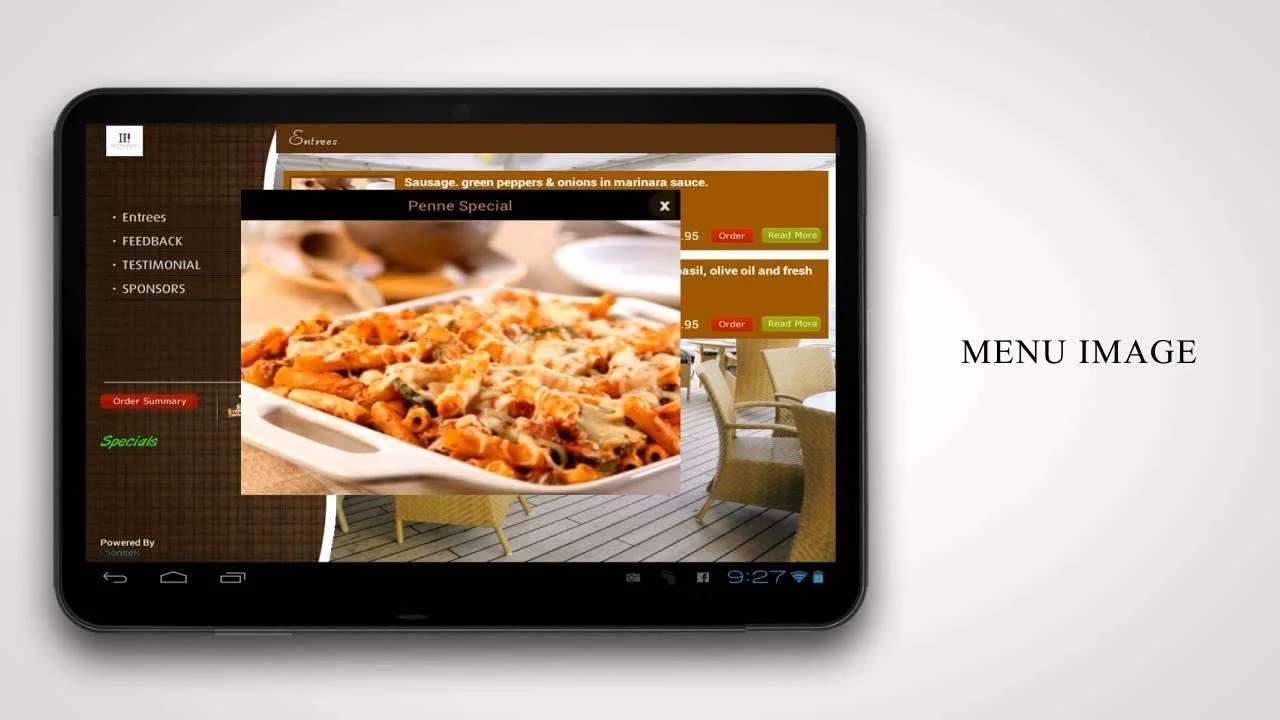
Your menu clearly displayed
Match product groups, menu options and notes to your menu. Test adding items and changing orders before checkout during a demo.
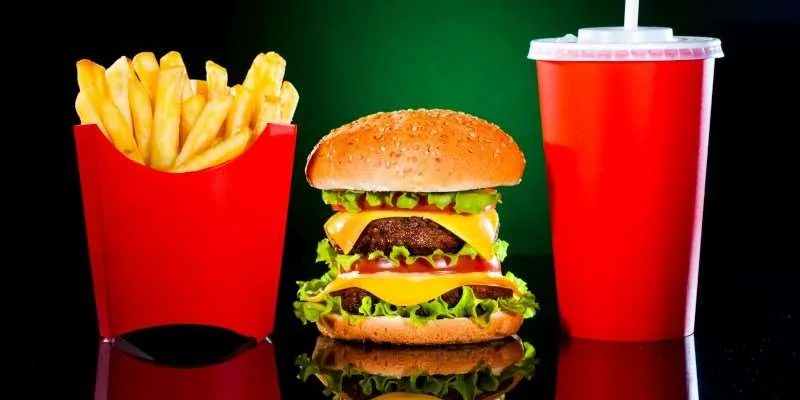
Fast food & chip shops · Belgium
A busy counter, extra sauce and takeaway customers: your POS needs to match your pace. KassaKompas helps chip shops and snack bars choose clear controls, workable order flow and suitable integrations.
A clear order flow
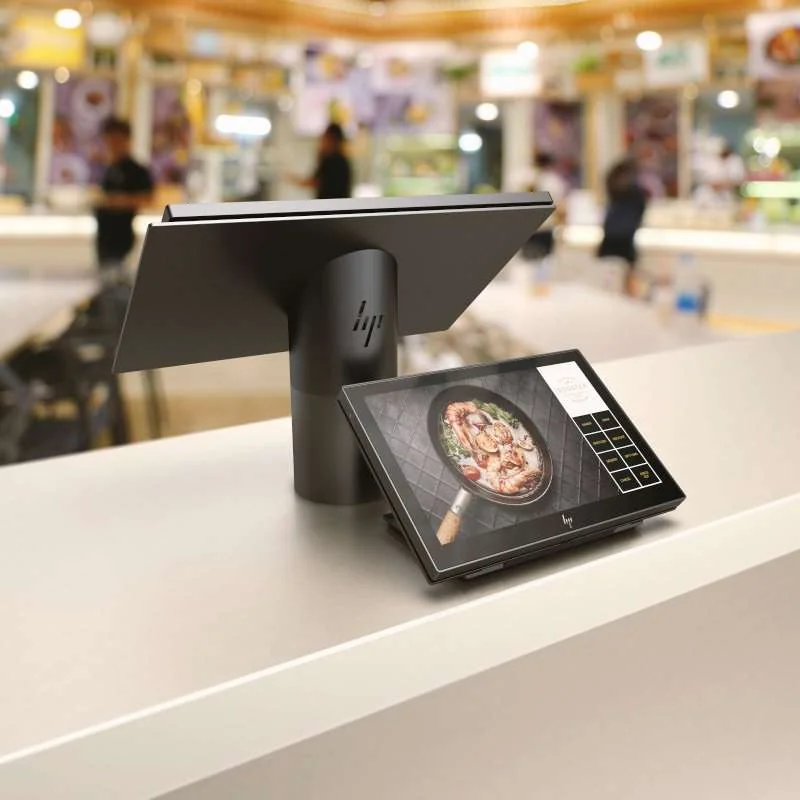
A suitable POS starts with a screen staff understand: fries, snacks, drinks, meal deals and options. The layout follows your range so orders are recorded consistently and changes are easy to track.
Match product groups, menu options and notes to your menu. Test adding items and changing orders before checkout during a demo.
Check how production tickets or displays pass orders to the team. Logical sequencing and recognisable product names support preparation.
Explore subtotals, group orders and suitable payment methods. A compatible payment integration can reduce manual amount entry.
Takeaway & online ordering
Orders may arrive at the counter, on your own site or through a connected platform. A suitable setup shows what to prepare, payment status and when the customer expects it.
We review capacity, ordering hours and menu options. Webshop or platform integration is checked for the exact software and versions.
Counter & kitchen
Entering an order is one step. Your team must then know which items belong together and what is ready for collection. We align hardware and software with the division of work.
Agree product order and routing between workstations. A clear ticket supports preparation and makes options and notes recognisable.
A suitable kitchen solution displays orders and statuses. We assess whether it complements or replaces a printer in your workflow.
Self-ordering and digital menu displays can complement the counter. We assess available options and how they connect to your menu and POS.
Sell & manage
Prices, products and menus evolve. Choose a manageable system and define who may make changes.
Reports provide insights into products sold, payment methods and busy periods. Available information depends on software and setup.
Registered POS & VAT setup
Match ordering to how you sell meals. Tax treatment follows products and services; a POS button alone does not determine the VAT rate. Agree configuration with your accountant.
Generally above €25,000 annual turnover excluding VAT from restaurant and catering services, excluding drinks. Deliveries of takeaway meals do not count towards that threshold. This differs from receipt duties once GKS applies. Have your mix of takeaway and eating in assessed.
Source: FPS Finance — GKS requirement.
GKS 2.0 requires certified POS software and fiscal data modules. New hospitality businesses subject to GKS have used GKS 2.0 since 1 July 2026; transition dates for existing systems depend on purchase date.
Legal information checked on 8 November 2026. Also read about GKS 2.0 and transition dates.
A suitable start or upgrade
You do not need every module at once. KassaKompas helps identify current needs and useful future additions for your chip shop or fast-food business, separating hardware, software, installation and support.
We discuss counter layout, peaks, menu, staffing and equipment, including takeaway and eating in.
Test a meal deal, extra sauce, a change and payment using everyday situations.
Agree menu setup, installation, team guidance and support. The proposal makes one-off and recurring costs clear.
Practical answers
Choose a touchscreen setup for your menu, team size and peaks. Test meal deals, options, collection and payments. KassaKompas helps assess the features and devices you need.
Choose a setup that clearly records the ordering method. Your accountant determines VAT treatment by product and situation; configuration must reflect the service actually provided.
Test this in a demo alongside notes, subtotals and group payments. Exact options depend on the chosen POS software.
We check the platform, POS software and versions. Menu options, payment statuses and order changes must fit your workflow. We do not promise an integration without checking.
It depends on your activities and restaurant and catering turnover. Takeaway and eating in need separate assessment. Discuss your situation with your accountant and check official GKS guidance.
A suitable solution sends orders to the right preparation station. We assess production tickets, kitchen displays or a combination for each station.
Price depends on equipment, stations, modules, integrations and any fiscal components. Ask for a proposal listing one-off costs, recurring costs and support.
We check your POS, printers, payment terminal and software versions, then discuss what can stay and what needs replacing or adding.
Tell us about your menu, orders and plans. We help choose a setup suited to your business.
0472 60 57 58