Clarity at the table
Review tables, courses, options and split bills. A clear screen helps the team enter orders consistently.
Restaurants & brasseries · Belgium
From first order to final bill, choose software for dining room, terrace and kitchen. KassaKompas advises on service, registered POS and required applications.
A thoughtful foundation
A compact brasserie differs from a restaurant with several rooms. POS must fit the menu, team and food/drink preparation. Start with the features you use and available additions.
Review tables, courses, options and split bills. A clear screen helps the team enter orders consistently.
A suitable setup sends the right information to the right station, reducing re-entry and keeping changes visible.
Use available reports on sales, popular dishes and busy times to inform your menu and daily organisation.
Mobile orders
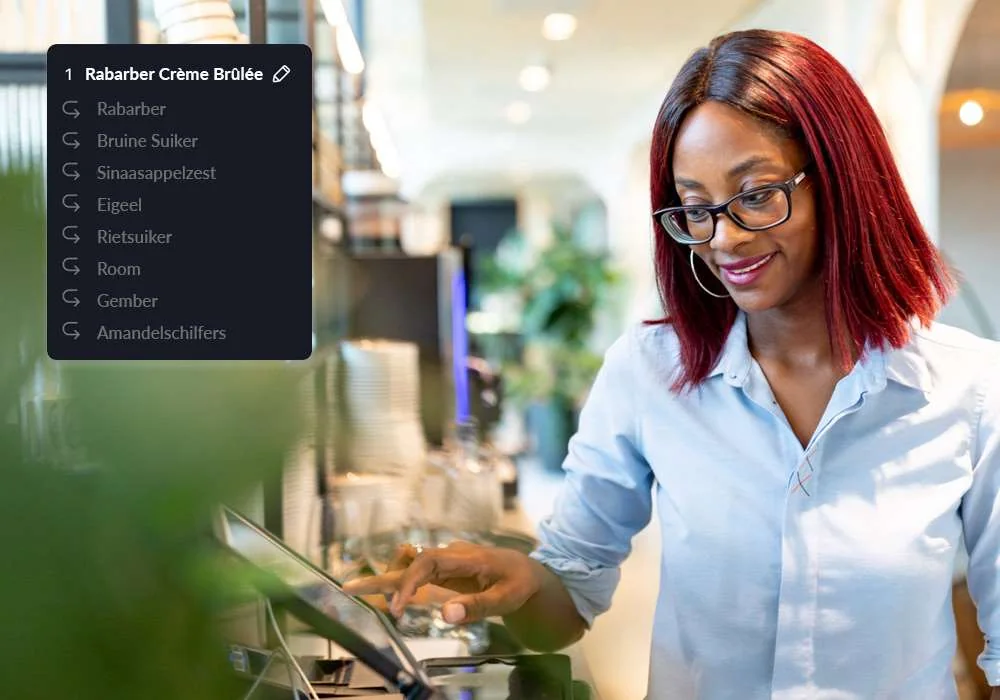
A suitable mobile solution enters orders at tables or on the terrace. We align POS, bar and kitchen connections to avoid re-entry.
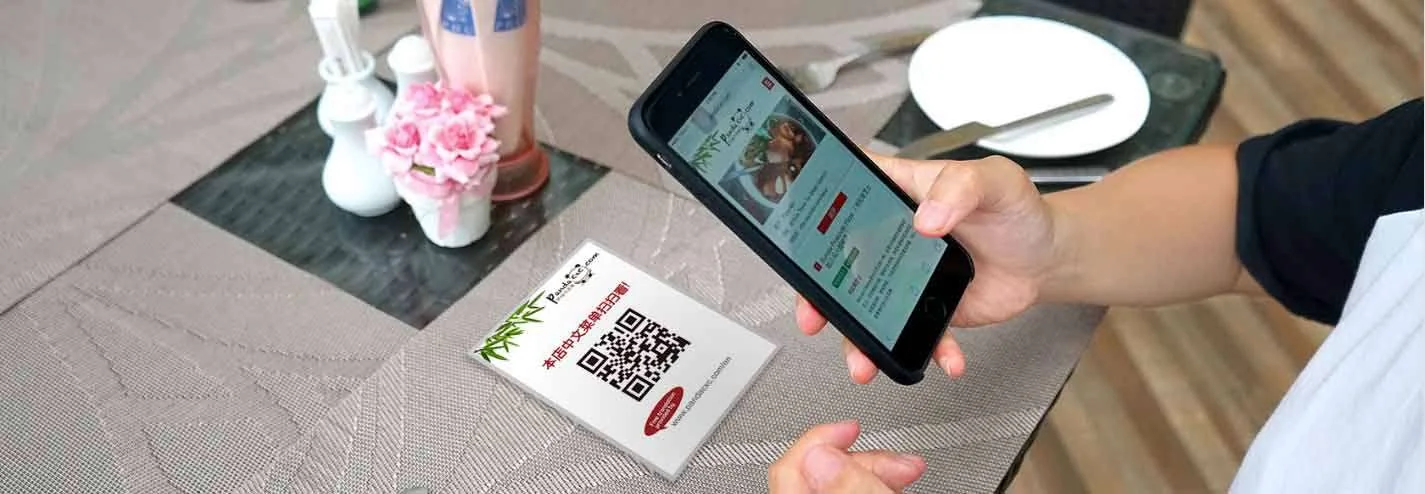
Reservations, QR ordering and loyalty can be additions. We check available options for each system.
Explore software integrations →Registered POS in Belgium
‘White cash register’ is the common Belgian term for a registered cash register system, or GKS. It concerns fiscal operation and certified components, not the device’s colour or appearance.
Generally above €25,000 annual restaurant and catering turnover excluding VAT and drinks. Drinks and deliveries of takeaway meals do not count towards this threshold. Ask your accountant to assess mixed activities or exceptions.
Source: FPS Finance — who must use GKS?
The fiscal data module, FDM or black box, is part of the fiscal setup. GKS 2.0 requires both POS and FDM certification, so check the exact product and software version.
Check the official list of certified GKS 2.0 systems.
New hospitality businesses subject to GKS have used GKS 2.0 since 1 July 2026. Existing users transition according to their current POS purchase date.
| Current POS purchase date | Latest transition date |
|---|---|
| Before 1 January 2018 | 1 July 2027 |
| 1 January 2018 to 31 December 2021 | 1 July 2028 |
| From 1 January 2022 | 1 January 2029 |
Check your business deadline in the GKS e-service under ‘Mijn profiel’ and ‘Gekende vestigingseenheden’. With multiple tills, the most recent purchase applies; the FDM does not count.
Source: FPS Finance — introduction of GKS 2.0. Legal information checked on 8 November 2026.
Kitchen and bar management
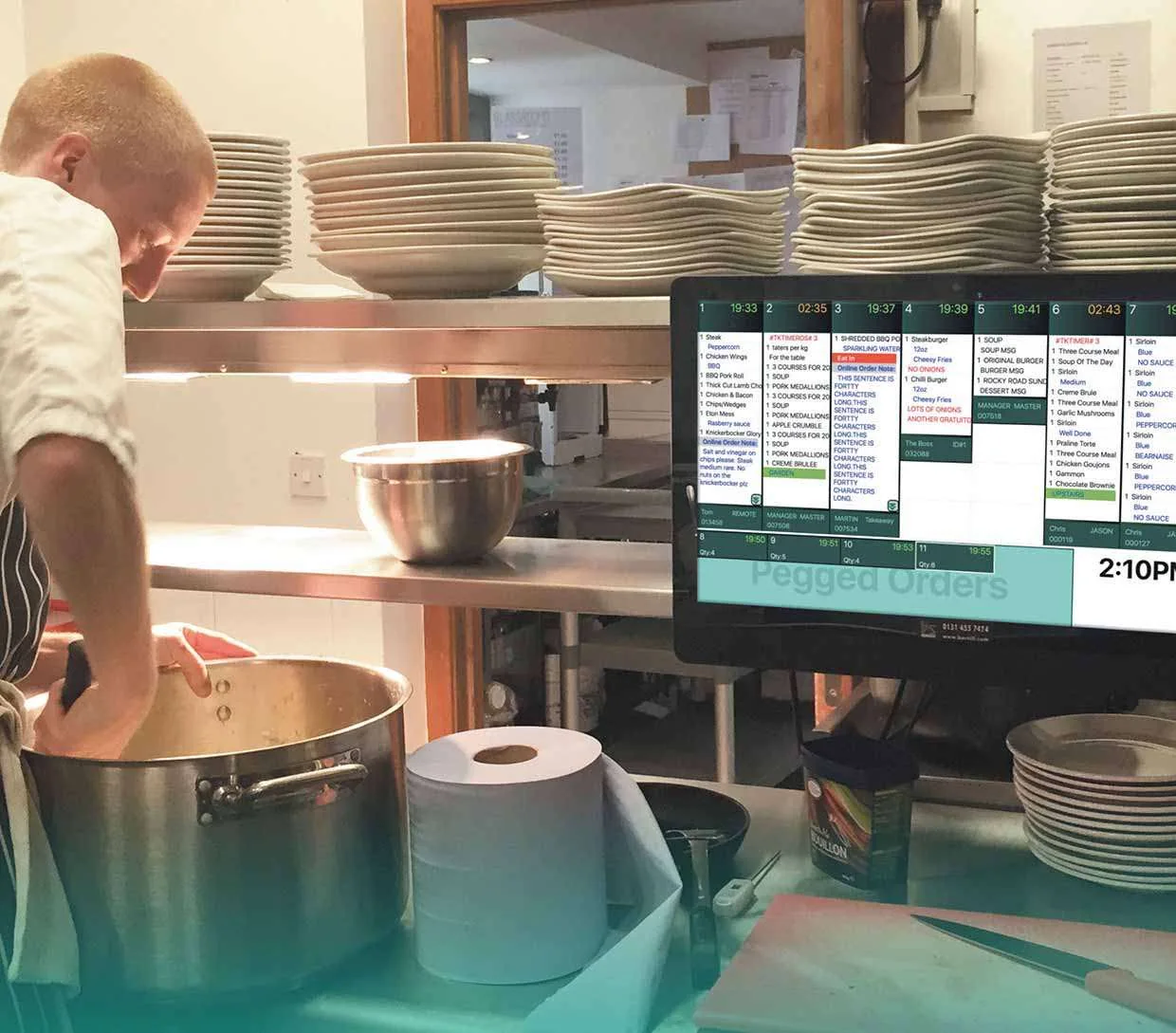
Kitchen and bar displays show orders by station. Depending on the solution, preparation statuses and timing coordinate the team and track open orders.
We review courses, preparation stations and serving. A display can complement or replace a printer where software and workflow allow.
Payments & connections
An integrated terminal receives POS amounts; accounting integration simplifies sales transfers. We check provider, devices and versions before proposing a connection.
Review checkout at POS or table, including payment statuses and provider arrangements.
Coordinate guest reception and dining room service. We check whether your current reservation application can connect.
Choose useful data and where to reduce re-entry. Product and ingredient stock need different configurations.
Advice and support
From affordable starter POS to a full setup, KassaKompas helps compare features, hardware and guidance. Fiscal suitability is checked separately for the proposed configuration.
We discuss dining room, terrace, stations, menu, applications and plans. You identify the features important to service.
Request a practical demo and compare equipment, modules, installation and recurring costs in a clear proposal.
Agree menu setup, installation, team guidance, updates and support so you know what help to expect.
Practical answers
Depending on activities and turnover, GKS generally applies above €25,000 annual restaurant and catering turnover excluding VAT and drinks. Have your accountant assess your situation, exceptions and start date.
The FDM is the fiscal component alongside POS software. GKS 2.0 requires both to be certified. We check the exact version and module before you choose.
We check devices, software version and any fiscal data module. Updates, additions or replacement may be needed. Check your business transition date in the GKS e-service.
Yes, with a suitable mobile solution. We align devices, coverage, menu options and bar/kitchen routing with dining room and terrace.
It depends on POS and kitchen software. At each station we assess a display, printer or combination for preparation and serving.
We check the specific provider, devices and versions. Not every terminal or application works with every POS. We advise on a suitable combination.
It depends on workstations, mobile devices, modules and fiscal equipment. Ask for a proposal clearly separating one-off costs, recurring costs and support.
We discuss products, menus, installation and training, with support availability and update arrangements included in the proposal.
Tell us about your venue and existing applications. We discuss a setup for service, kitchen and checkout.
0472 60 57 58