Skip to content
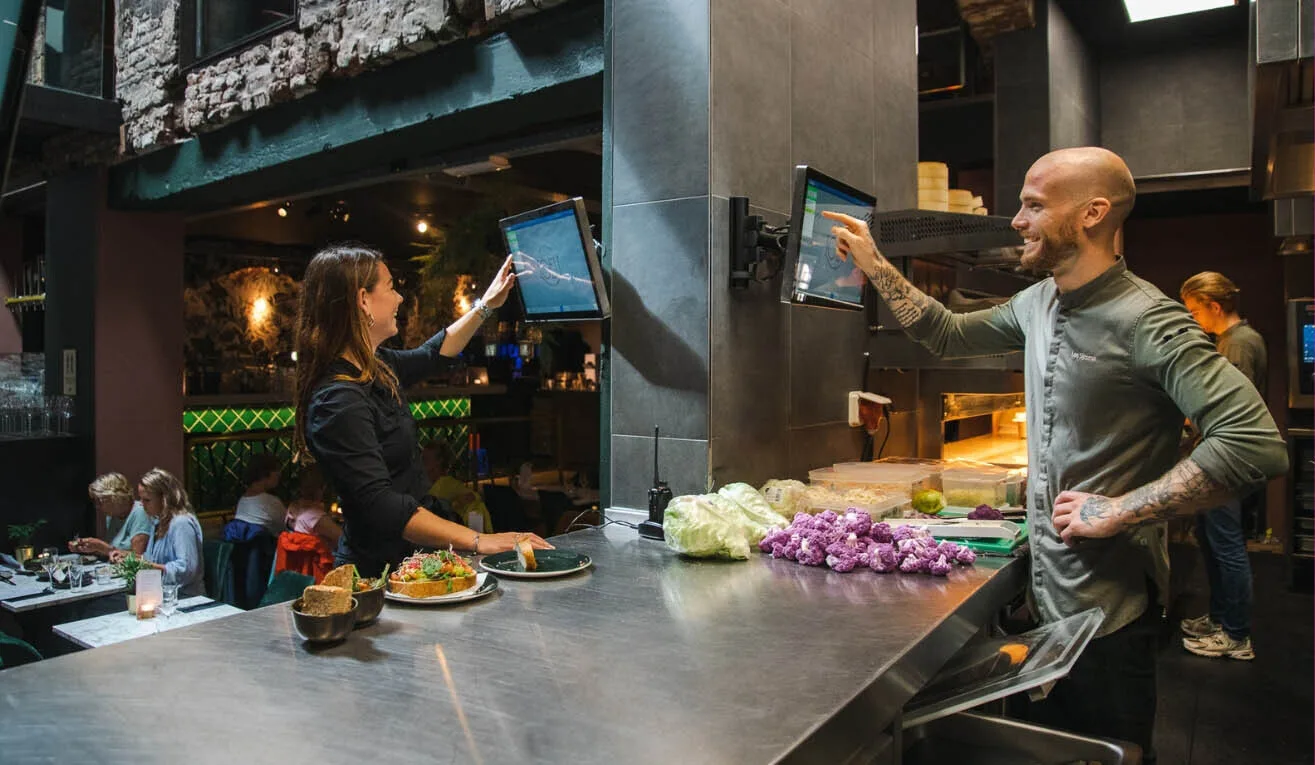
Team members tracking orders on digital displays in the bar and kitchen

Integrations · Hospitality & retail

Your POS. Your applications.
Together, a clearer overview.

From payments and orders to stock and accounting, suitable integrations can simplify daily work. Explore the options for your Belgian hospitality or retail business. KassaKompas helps you choose what fits your operations and plans.

Choose a topic and discover what it could mean for your business.

01

POS and payments

POS systems

A suitable foundation for sales and daily operations.

Your POS is the starting point for payments, orders and management. A thoughtful combination reduces duplicate entry and helps staff work smoothly. From starter POS to complete professional system, we start with your business.

Can I keep my current POS?

We check the brand, version and available connections.

Discuss POS systems with KassaKompas →

Payment terminals and integrated payments

Connect your POS and payment terminal at checkout.

A suitable payment integration sends the amount from POS to terminal, reducing manual entry and amount errors. Payment status handling depends on the chosen combination.

Does it work with my existing terminal?

It depends on your terminal, payment provider and POS software. We check the options for your combination.

Discuss payment terminals and integrated payments with KassaKompas →

Read about contactless payments and cash handling →

Automated cash handlers and cash management

Simplify cash payment handling.

An automated cash handler can accept cash and give change, reducing manual counting and direct staff handling. We tailor placement and connection to your counter.

Does a cash handler suit my business?

We review your space, cash volume and POS system.

Discuss cash handlers and automated cash management with KassaKompas →

Explore automated cash handling →

02

Sales and orders

Webshops and e-commerce

Coordinate your webshop and physical shop.

A webshop integration can exchange products, orders or stock with your physical shop. Data shared and frequency vary by solution, letting you target duplicate administration.

Is my stock updated automatically?

We check each combination, including returns and simultaneous sales.

Discuss webshops and e-commerce with KassaKompas →

Read how your webshop and POS work together →

QR ordering

Let guests browse and order on their smartphones.

QR ordering lets guests open a digital menu and, where supported, submit an order. It can simplify terrace service or busy periods. We align routing to POS, bar or kitchen with your service.

Must guests pay online immediately?

It varies by solution and chosen ordering process.

Discuss QR ordering with KassaKompas →

Compare QR ordering, menu tablets and mobile service →

Handhelds and menu tablets

Table ordering by your team or through a digital menu.

Mobile service, guest menu tablets and QR ordering have different roles. Align devices, order routing and payments with dining room, kitchen and bar.

Explore mobile ordering and digital menus →

Ordering kiosks

Let customers enter their own orders.

A kiosk lets customers browse and submit their choices. A suitable connection sends orders to your POS and preparation area. Clear menus and logical placement make ordering accessible.

Is an ordering kiosk suitable for a smaller business?

It depends on your range, customer flow and available space.

Discuss ordering kiosks with KassaKompas →

Online ordering and collection

Organise pre-orders and collection times more clearly.

Online ordering lets customers choose products or meals and a collection time. A suitable integration brings orders into your workflow, considering capacity and preparation time.

Can I limit orders per time slot?

It depends on the chosen ordering solution.

Discuss online ordering and collection with KassaKompas →
03

Service and organisation

Reservations and table management

Get a clearer view of bookings and dining room occupancy.

Reservation software and table management each support part of guest reception. Where possible, a connection aligns bookings with service and gives your team the information they need.

Can my current reservation system be connected?

We check the specific application and version.

Discuss reservations and table management with KassaKompas →

Kitchen displays and kitchen management

Make orders and their progress clear for your kitchen team.

A kitchen display shows orders at the right preparation station. Depending on the solution, statuses and timing support coordination with service. Setup follows your dishes, courses and division of work.

Can I combine displays with kitchen printers?

We check this within the chosen POS and kitchen solution.

Discuss kitchen displays and management with KassaKompas →

Staff scheduling

Let scheduling and sales information support each other.

Knowing busy sales periods helps plan staffing. Where data exchange is available, POS information can support scheduling. Usable data depends on both applications.

Are worked hours processed too?

Scheduling, time tracking and payroll are separate functions. We check which your solution supports.

Discuss staff scheduling with KassaKompas →
04

Management and growth

Accounting packages

Simplify sales data transfers to accounting.

An accounting integration transfers structured sales data and reduces retyping. Sales, VAT and payment methods need coordination with your accountant. Transfers can use exports or a direct connection.

Does it work with my accounting package?

KassaKompas checks the options for your package and POS.

Discuss accounting packages with KassaKompas →

Read how to connect POS and accounting →

Stock management

See your stock and reordering needs more clearly.

Connecting sales and stock can clarify movements, support purchasing and highlight shortages. Hospitality ingredient stock needs a different setup from retail product stock.

Can I track ingredients and composite products?

It depends on support for recipes, units and composite products.

Discuss stock management with KassaKompas →

Customer retention and loyalty programmes

Encourage repeat visits with a suitable customer programme.

A loyalty solution links purchases to points or customer benefits. Options vary by POS system and programme. Simple operation and clear customer data rules are essential.

Can I keep my existing loyalty cards?

We assess your current cards, data and software.

Discuss customer loyalty programmes with KassaKompas →

Reporting and business insights

Use sales data to make better-informed decisions.
Reports explain sales, popular products and busy times. An additional reporting solution can provide other views or analyses. Its value depends on available data and your business questions.

Can I compare multiple locations?

It depends on multi-site support and compatible data structures.

Discuss reporting and business insights with KassaKompas →
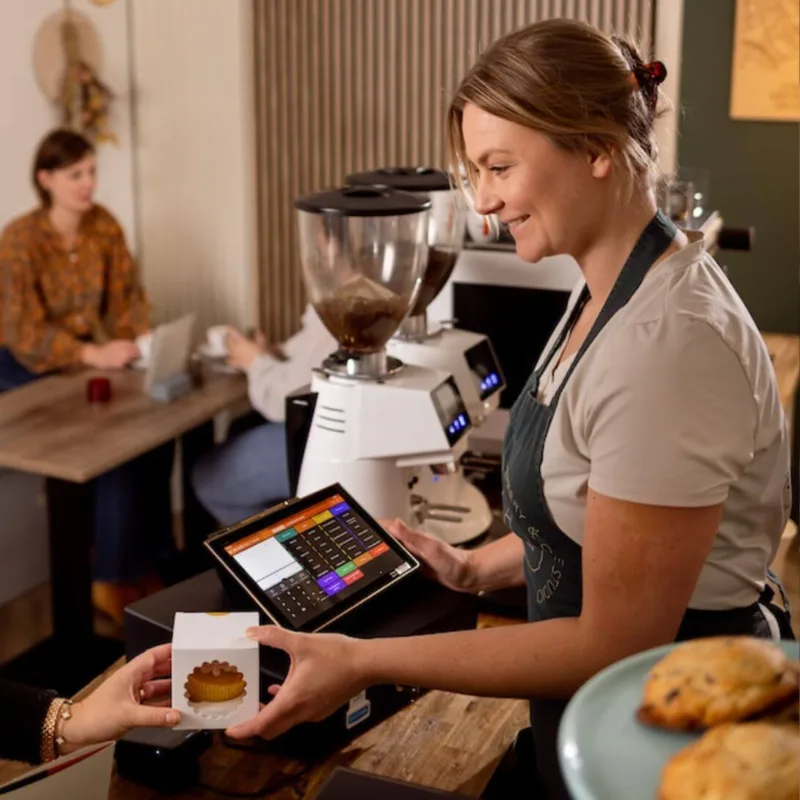
Team member with a POS tablet in a coffee shop and bakery

A POS that fits your business

Start smoothly today.
Plan for tomorrow.

Whether you need an affordable starter POS or a complete professional system, the choice starts with how you work. KassaKompas helps assess today’s needs and useful future additions, including available integrations.

Discuss your POS needs

Attention to your guests

Connected service.
From booking to checkout.

Taking bookings, passing orders and checking out are different stages of one service. KassaKompas reviews where connected applications can support your team and which combination suits your venue.

Discuss your hospitality workflow
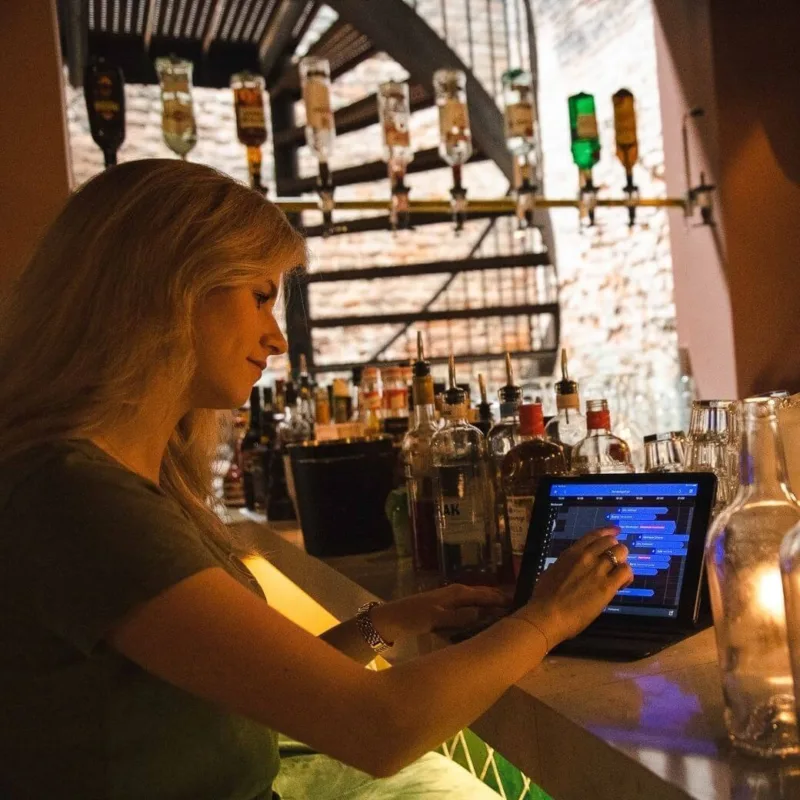
Team member using a POS tablet at the bar

Personal advice from KassaKompas

Which integrations
suit your business?

Tell us how you work and which applications you already use.
Helping you choose, from starter POS to professional system.

+32 472 60 57 58
Discuss your options →