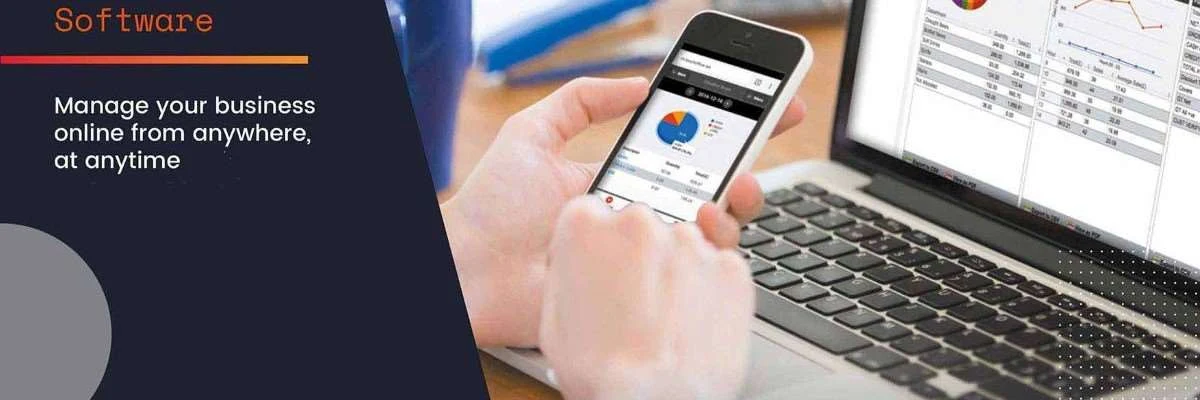
From sales to administration
Your POS records sales and payment methods; accounting processes their financial effects. Coordinating both reduces re-entry, through periodic export or direct integration depending on available software.
Which data do you need to transfer?
Consider sales by VAT code, payment methods, invoices and credit notes. Agree whether your accountant needs daily totals or individual transactions. Returns, discounts, rounding and cash discrepancies must remain identifiable. Receiving payment differs from booking an invoice.
One clear data flow
Also using a webshop or multiple outlets? Decide where to manage products, customers and invoices. Packages do not all synchronise the same data. Stock management is separate: an accounting integration does not automatically update shop stock.
Coordinate with your accountant
KassaKompas reviews your POS, accounting package and workflow. With your accountant, define the chart of accounts, VAT codes and payment processing. Testing a sale, return and credit note checks that transfers fit your records.
Frequently asked questions
Will this work with my current accounting package?
We check the package, version and chosen POS software. Also tell us if your accountant uses a separate platform.
Is everything updated immediately?
Frequency depends on the connection, for example per transaction or periodic transfer. We also agree how interrupted or failed transfers are followed up.
Are checks still necessary?
Yes. Integration reduces data entry but does not replace checking and reconciling your records.